

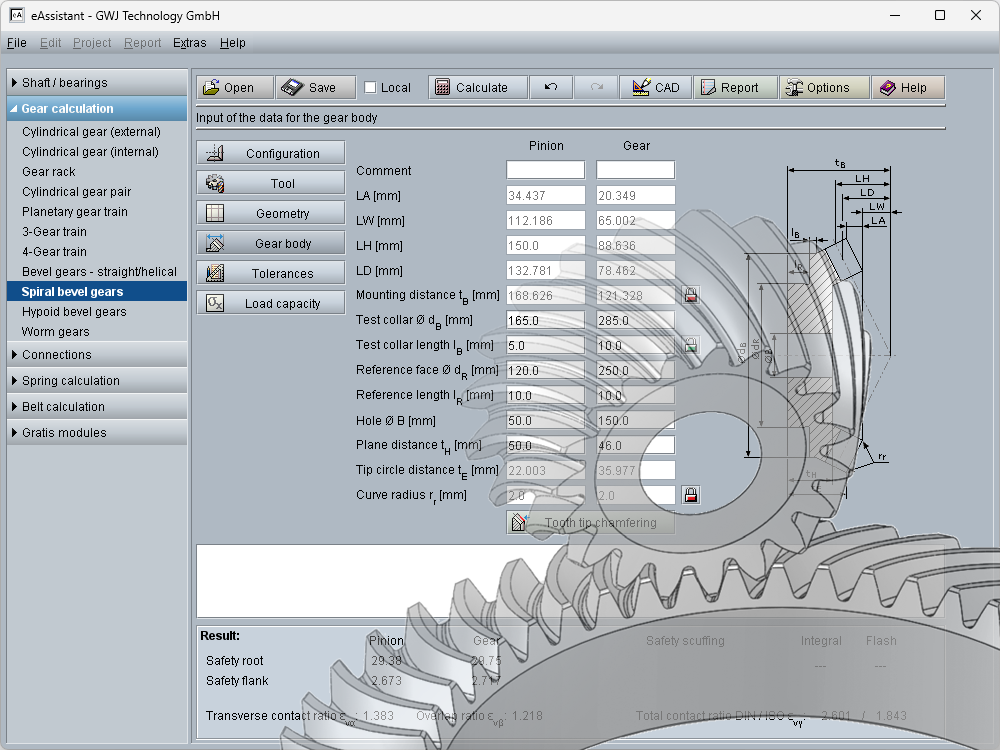
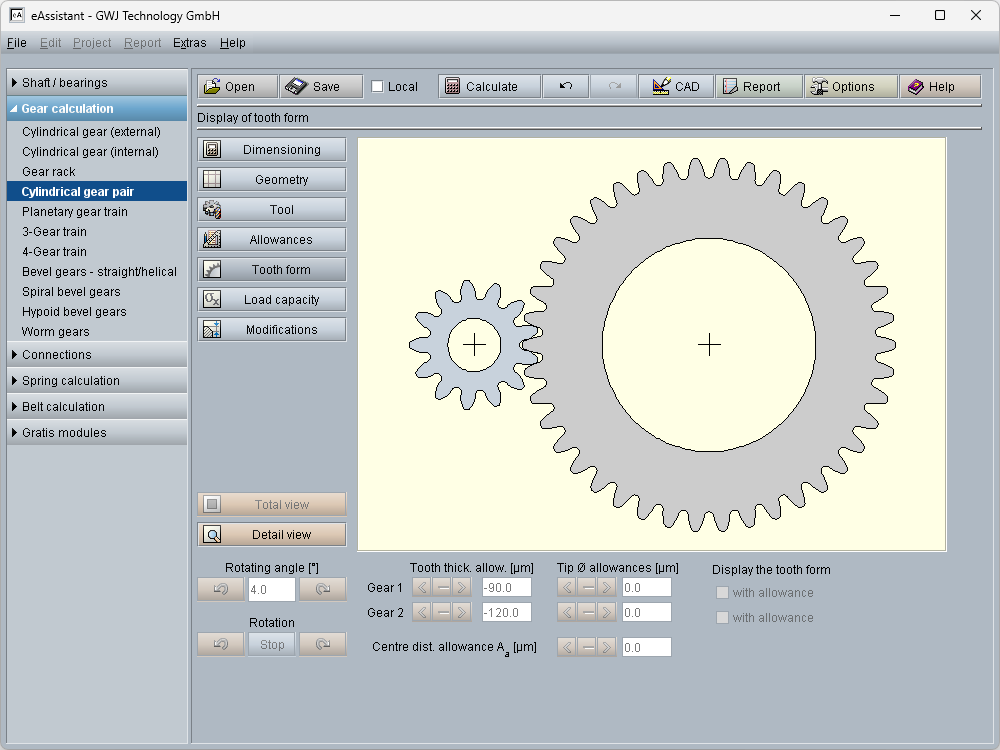
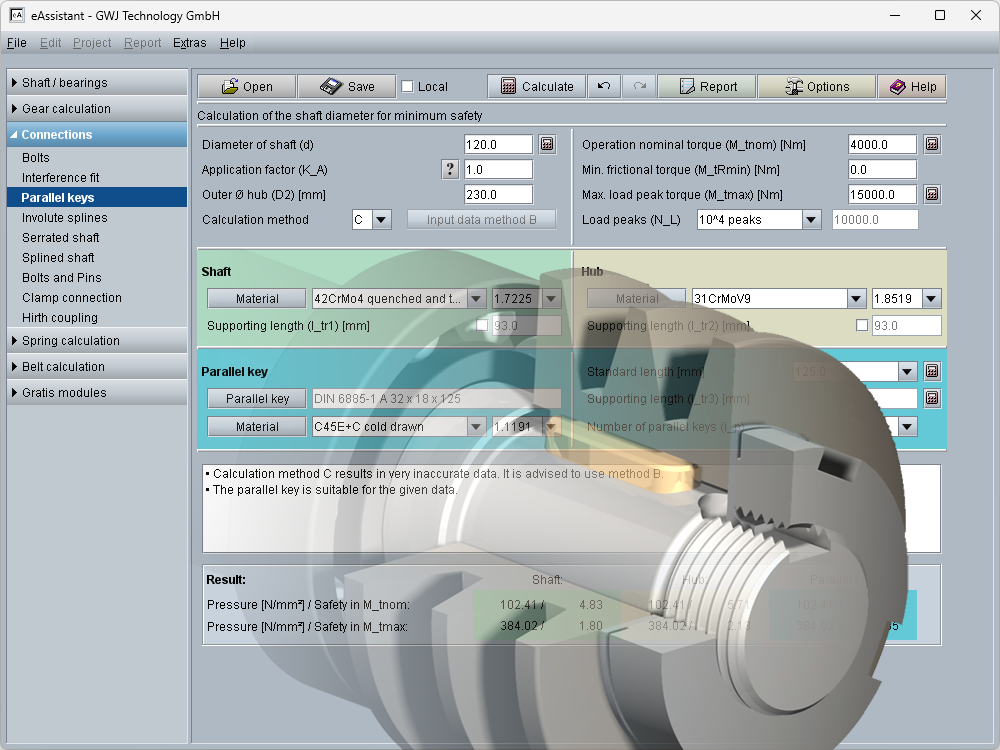
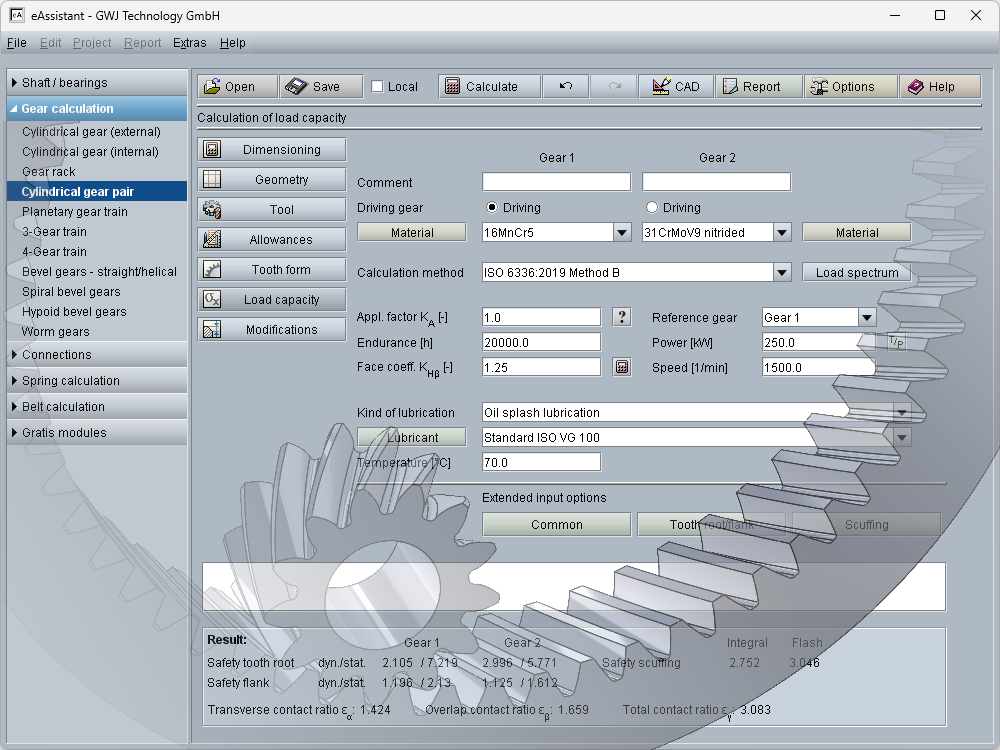
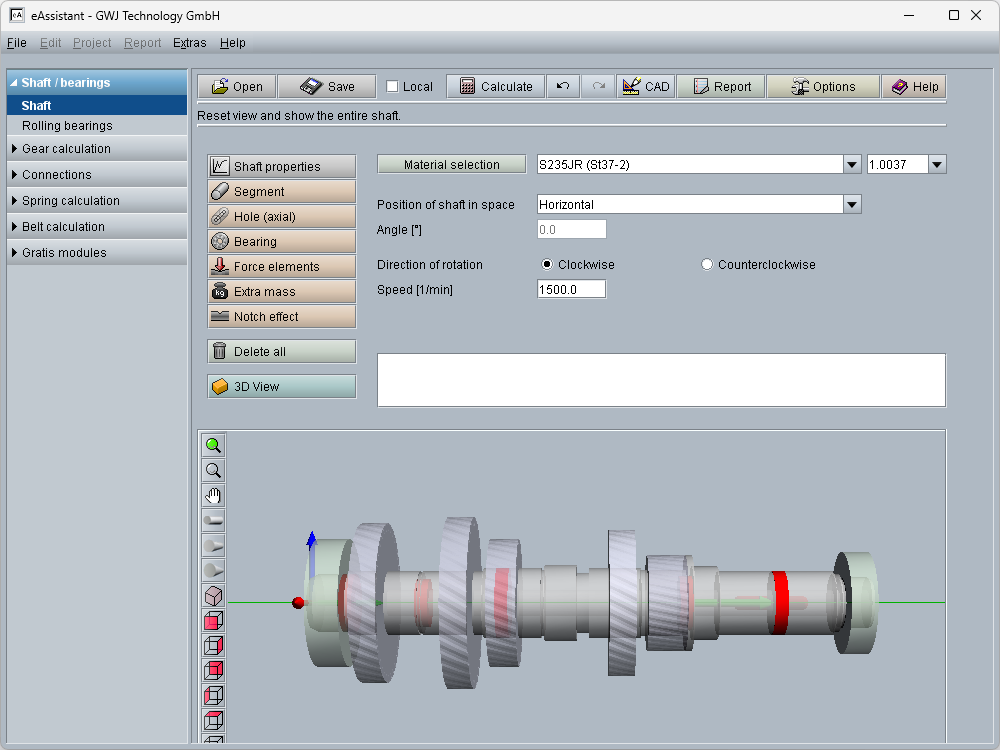
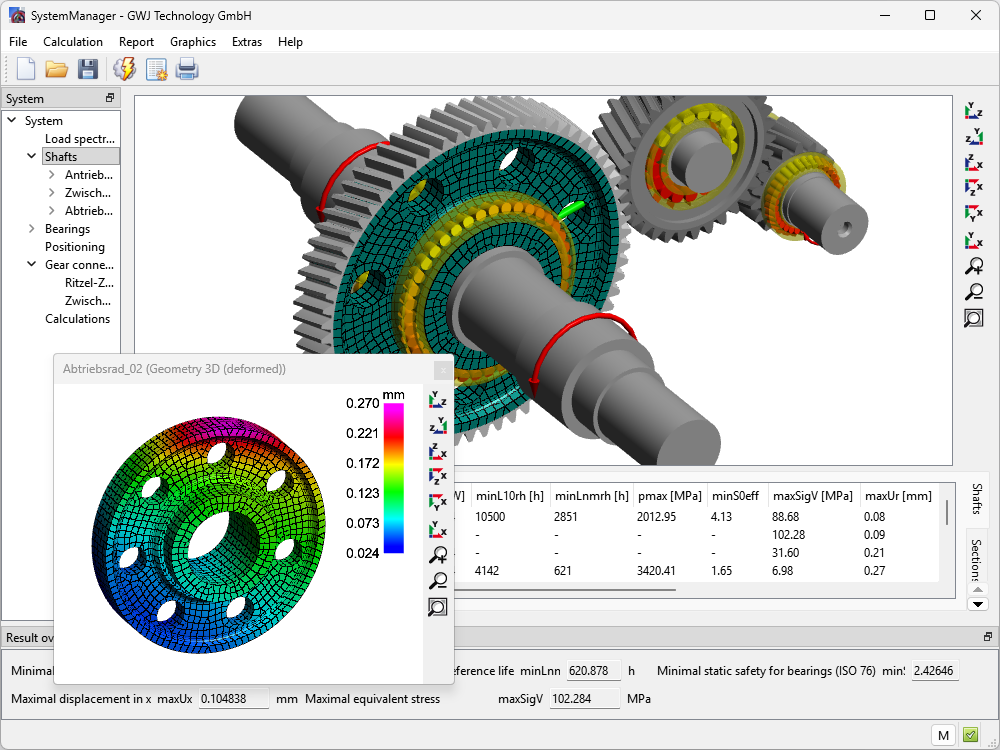
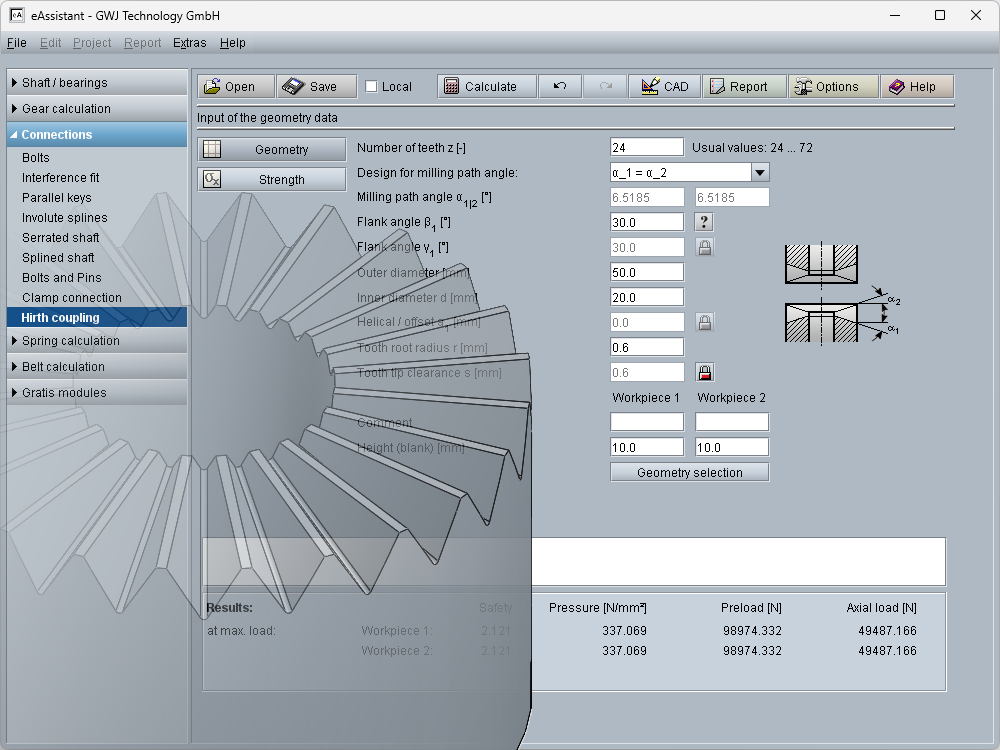
It is our great concern to support universities and students during their education. We provide an eAssistant free of charge account available for schools, universities and students.
Schools and universities can close a general agreement. Please contact our sales department (Contact).
As a student, you can sign up for a free student account by doing the following:
- Create a new account by clicking the link above right.
- In order to register for the account, we will ask you to provide valid and verifiable information about your identity. Please enter your official University email address. For Company name, add your University name. Make certain that you enter your home address, not your University address. Account registrations with wrong or incomplete information will be rejected.
- Your telephone number is required in case there are questions about your registration.
- Once you have successfully registered, please send a valid student ID from your school or university by email.
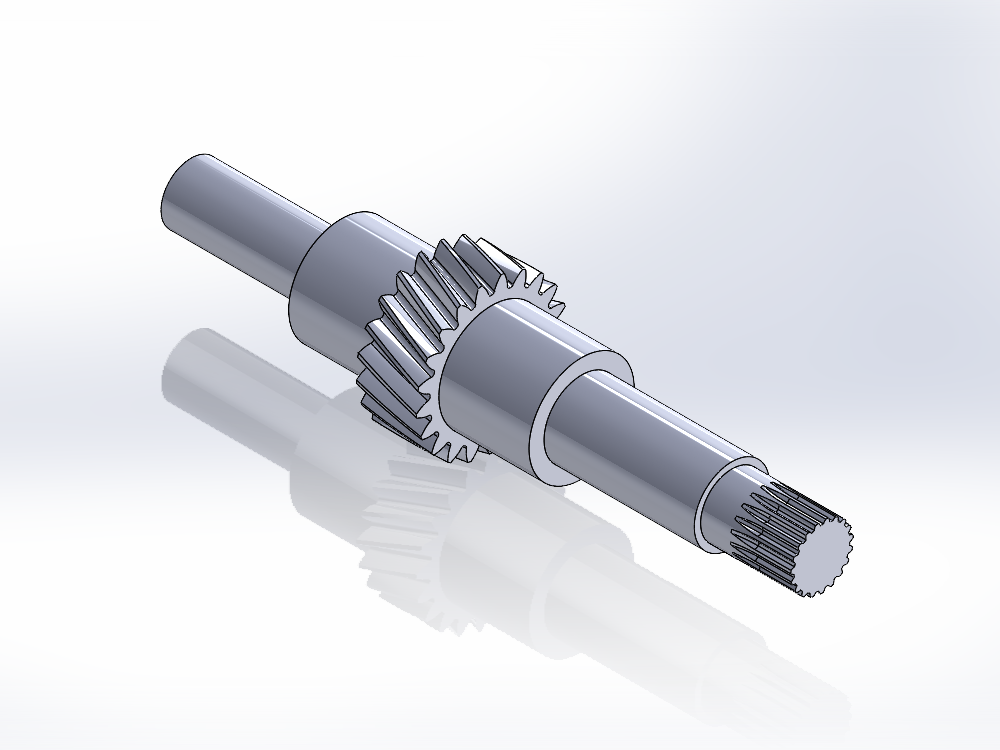
- To use one of the CAD plugins after the test period, please let us know which CAD system and which version you are interested in. You can use the CAD plugins for the following CAD systems for free: Autodesk Inventor, Solid Edge, SolidWorks, CATIA und Pro/Engineer (Creo). Note that you can only have a license for one CAD plugin.