



Project Manager
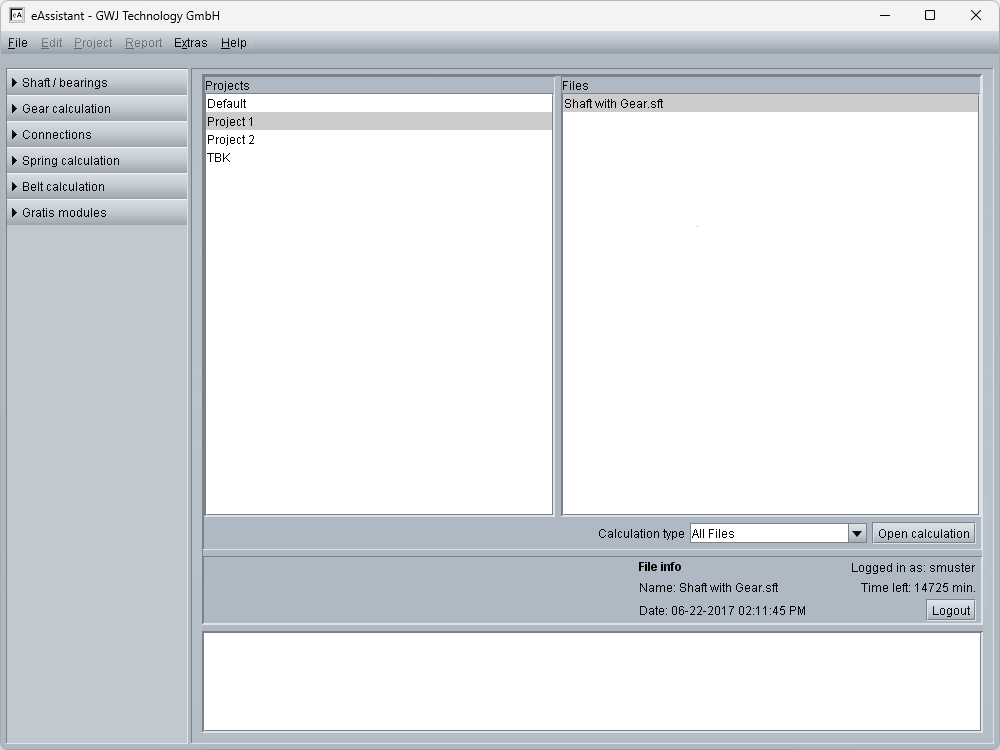
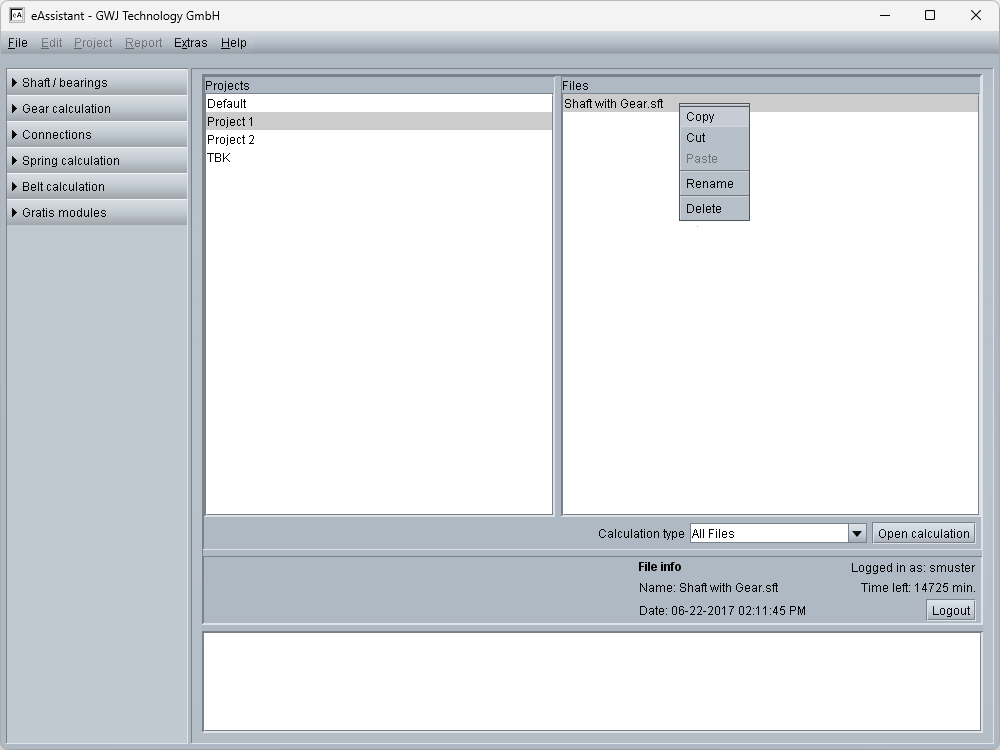
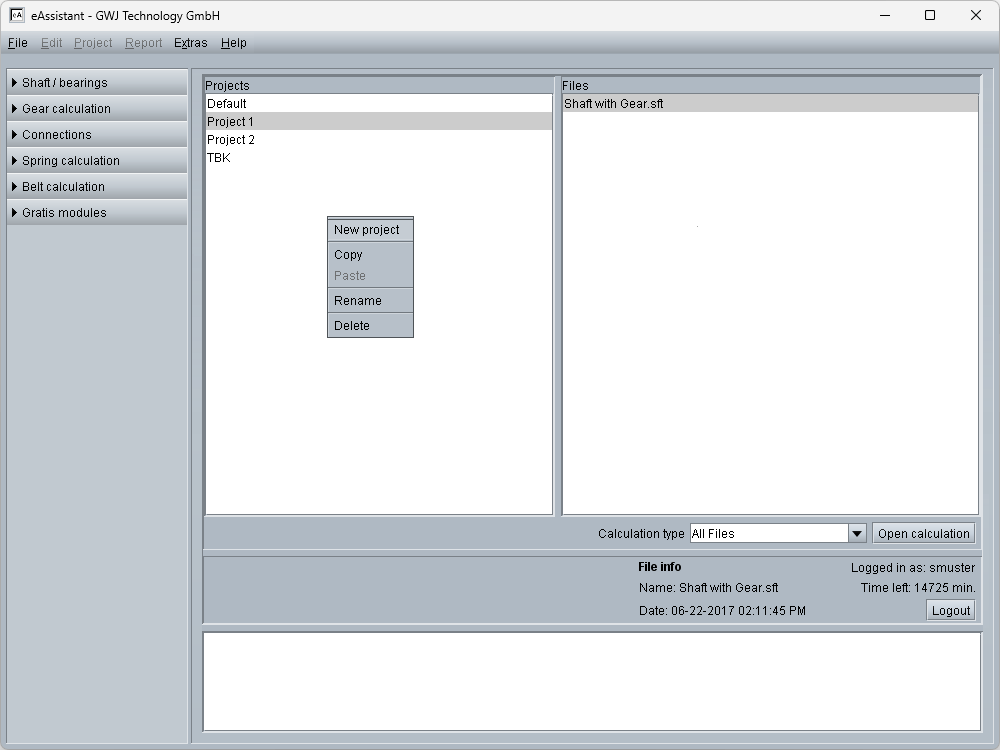
The Project Manager is the central point of the eAssistant. From here, the various calculation modules can be launched, which are clearly organized in a tree structure. Completed calculations are assigned to projects and can therefore be managed in a structured manner. Using the integrated filter functionality, saved calculations within a project can be displayed either across modules or for specific modules. Projects and/or individual calculations can be copied, renamed, or deleted.
In addition, the eAssistant offers two different options for saving calculation files. Completed calculations can be stored either on the GWJ server or locally on the user’s workstation. To enable local storage, the Project Manager provides a corresponding configuration option.